
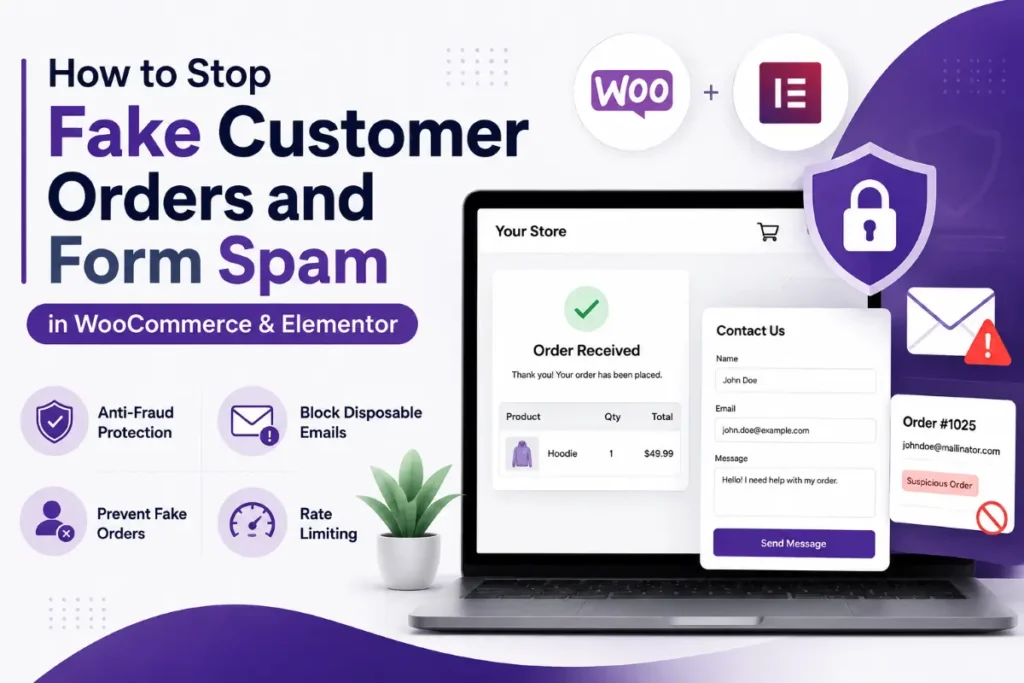

Fake customer orders and Elementor form spam can quickly become a serious problem for WooCommerce websites. Hundreds of fake orders, suspicious checkout attempts, and automated contact-form submissions can waste your team’s time, slow down your website, and even create payment fraud risks.
The good news is that effective WooCommerce spam prevention doesn’t have to make your website difficult for genuine customers to use. By combining WooCommerce bot protection, Elementor honeypots, Cloudflare Turnstile, rate limiting, and firewall rules, you can significantly reduce spam while keeping your checkout experience smooth.
Why Are Fake WooCommerce Orders and Form Spam a Problem?
If your WooCommerce store suddenly receives hundreds of pending orders containing random names, suspicious email addresses, or unusual billing details, your website may be targeted by automated bots.
These attacks can cause several problems for your online store.
Credit Card Testing and Carding Attacks
One common reason bots target WooCommerce checkout pages is credit card testing.
Attackers may use stolen card details and automated checkout requests to determine which cards are still active. Even failed transactions can create additional payment gateway authorization fees and potentially affect your relationship with payment providers.
Database Bloat and Website Performance
Every fake order can create unnecessary records in your WordPress database.
A large number of spam orders can increase database size, slow down queries, consume hosting resources, and make your WooCommerce admin dashboard harder to manage.
Elementor Form Spam and Email Problems
Bots can also target Elementor contact forms, quote forms, newsletter forms, and lead-generation forms.
Hundreds of automated submissions can flood your inbox and trigger unwanted notification emails. If these submissions are sent to invalid addresses or repeatedly generate email traffic, they can also negatively affect your domain’s email reputation.
This is why WordPress spam protection should cover both your WooCommerce checkout and Elementor forms.
Why Traditional CAPTCHA Is Not Enough in 2026
Traditional image-based CAPTCHA systems were once a popular solution for stopping automated submissions. However, they can create unnecessary friction for genuine visitors.
CAPTCHAs Can Hurt User Experience
Customers may have to identify images, enter distorted characters, or complete additional verification steps before submitting a form or completing a purchase.
This can be particularly frustrating for mobile shoppers and may increase form abandonment or cart abandonment.
Modern Bots Are More Advanced
Automated bots are becoming increasingly sophisticated and can interact with websites much more like real users.
Instead of relying on a single visible CAPTCHA, modern websites should use multiple security layers that analyze traffic, detect suspicious behavior, and block automated requests before they cause damage.
How to Stop Elementor Form Spam
Protecting your Elementor forms is one of the easiest ways to reduce unwanted leads and automated submissions.

Use Cloudflare Turnstile Elementor Integration
Cloudflare Turnstile provides an invisible or low-friction way to verify visitors without forcing them to solve traditional visual puzzles.
For many WordPress websites, Cloudflare Turnstile Elementor integration can provide strong bot protection while keeping forms easy for real users.
To configure Turnstile, create your Turnstile widget in Cloudflare, obtain the required keys, and connect the service through your Elementor integration settings. You can then add Turnstile protection to the forms that receive the most spam.
After implementation, always test your forms from a normal browser to make sure legitimate visitors can submit them successfully.
Add a Honeypot to Elementor Forms
A honeypot is a hidden form field designed to catch automated bots.
Real visitors don’t normally interact with the hidden field, while many automated scripts attempt to fill every input they discover.
When the hidden field contains unexpected data, the submission can be identified as suspicious and rejected.
Elementor users can add a Honeypot field to their forms without creating an additional visual step for customers. This makes honeypots a simple and effective part of your Elementor form spam protection strategy.
Use a Web Application Firewall
A Web Application Firewall, or WAF, can block suspicious traffic before it reaches your WordPress installation.
Services such as Cloudflare can filter malicious requests at the network edge, reducing the amount of unwanted traffic your hosting server needs to process.
For high-traffic WooCommerce stores, combining a WAF with other security measures can provide a much stronger defense against automated attacks.
How to Stop Fake WooCommerce Orders
Elementor forms are not the only target. Your WooCommerce checkout should also have multiple layers of protection to reduce fake orders, suspicious transactions, and automated bot activity.
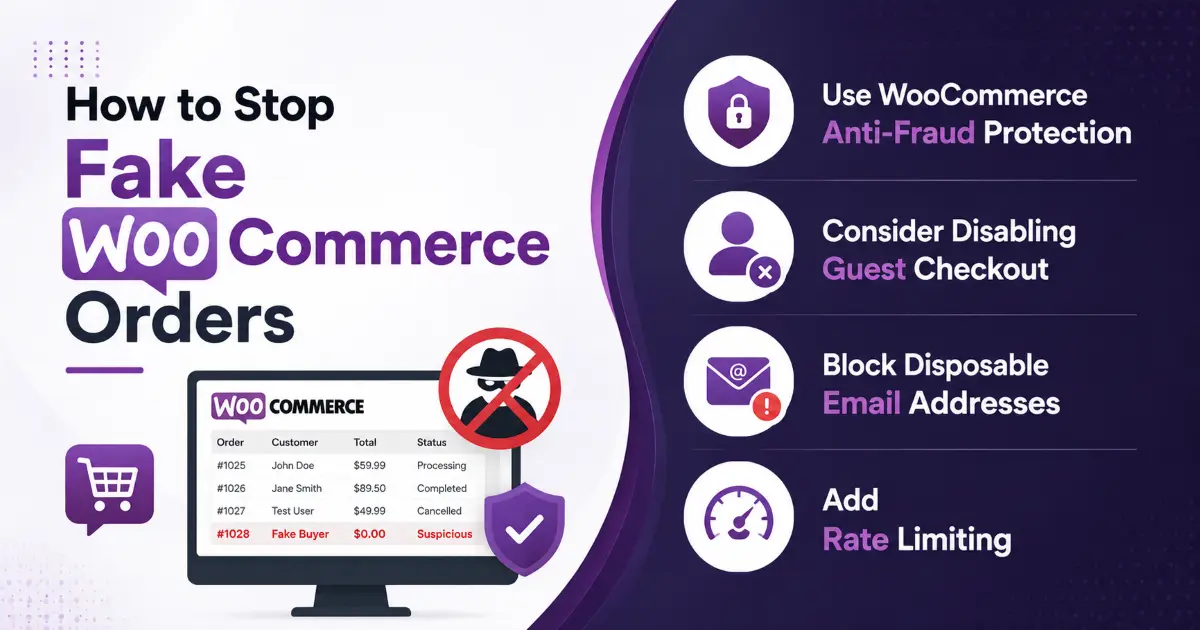
One practical solution for store owners is the Fake Customer Blocker for WordPress plugin. It is designed to help WordPress and WooCommerce websites identify and block suspicious customers and fake order activity before it becomes a bigger problem.
If your store is regularly receiving fake registrations, unwanted orders, or suspicious customer details, you can learn more about Fake Customer Blocker for WordPress.
Use Fake Customer Blocker for WordPress
The Fake Customer Blocker for WordPress plugin can add an additional layer of protection to your WordPress and WooCommerce website by helping you identify and prevent suspicious customer activity.
Instead of manually reviewing every questionable registration or order, the plugin can help automate the process of identifying customers who match your defined blocking criteria.
Some useful capabilities include:
- Block suspicious or unwanted customers based on configurable rules.
- Prevent known fake customer information from being used repeatedly.
- Help reduce fake WooCommerce customer registrations and orders.
- Maintain blocked customer information for easier management.
- Provide administrators with greater control over which customers can interact with the store.
- Reduce the amount of manual work required to identify recurring fake customer activity.
For WooCommerce store owners dealing with repeated fake orders, adding a dedicated Fake Customer Blocker for WordPress solution can be a useful part of a broader anti-spam and anti-fraud strategy.
Use WooCommerce Anti-Fraud Protection
Standard WooCommerce settings may not identify every suspicious order.
A WooCommerce anti-fraud solution can analyze information such as IP addresses, email addresses, billing details, location, and order behavior to identify potentially risky transactions.
Instead of automatically rejecting every unusual order, consider using risk scoring and manual review for transactions that require additional verification.
Consider Disabling Guest Checkout
Guest checkout makes purchasing easier for customers, but it can also make automated attacks easier because bots don’t need to create an account.
If account-based purchasing works for your business model, review your WooCommerce account and privacy settings and consider requiring customers to register before placing an order.
For stores experiencing serious fraud, additional email verification or OTP verification can provide another security layer.
Block Disposable Email Addresses
Disposable email services are frequently used to create temporary accounts and fake orders.
Blocking known temporary or disposable email domains during checkout can help reduce suspicious registrations and fake WooCommerce orders.
Because new disposable email services appear regularly, your blocked-domain list should be reviewed and updated periodically.
Add Rate Limiting
Rate limiting is another important part of WooCommerce bot protection.
A genuine customer is unlikely to submit dozens of checkout requests within a few seconds. If a single IP address repeatedly sends checkout or form requests at an unusually high rate, the traffic can be temporarily challenged or blocked.
Configure rate limits carefully and monitor your website after implementation to avoid affecting legitimate customers.
Combine Multiple Layers of Protection
No single security method can stop every type of fake order or automated attack.
For better WooCommerce spam prevention, combine a dedicated customer-blocking solution such as Fake Customer Blocker for WordPress with bot protection, honeypots, email validation, rate limiting, and a Web Application Firewall.
This layered approach helps reduce fake customers and suspicious orders while keeping the checkout experience simple for genuine shoppers.
Advanced WooCommerce and WordPress Security
Protect Sensitive Website Endpoints
Bots may attempt to interact with WordPress or WooCommerce functionality directly instead of using your visible website interface.
Review publicly accessible endpoints and make sure sensitive functionality has appropriate authentication and permission controls.
Avoid blocking essential public functionality without testing it first, because WooCommerce and WordPress features may depend on specific endpoints.
Configure WAF Rules for Checkout and API Traffic
Your WAF can also be configured to monitor sensitive areas such as checkout pages, login endpoints, and API traffic.
For example, unusually high request rates to checkout-related URLs can trigger additional verification or temporary restrictions.
The exact rule settings should depend on your website’s normal traffic patterns. Start conservatively, monitor the results, and increase protection when necessary.
Best WooCommerce Spam Prevention Strategy for 2026
For the strongest protection, don’t rely on one tool.
A practical WooCommerce spam prevention strategy should combine:
- Cloudflare Turnstile for Elementor forms
- Honeypot fields for contact and lead forms
- WooCommerce anti-fraud validation
- Disposable email protection
- Checkout rate limiting
- Web Application Firewall protection
- Account or email verification for high-risk transactions
- Regular monitoring of orders, server logs, and suspicious traffic
Using multiple layers makes it much harder for automated bots to bypass your website’s security.
Conclusion: Protect Your WooCommerce Store Without Hurting Conversions
Fake WooCommerce orders and Elementor form spam can consume valuable time and resources, but they can be controlled with the right security strategy.
Start with low-friction solutions such as Cloudflare Turnstile Elementor integration and honeypots. Then strengthen your WooCommerce checkout with anti-fraud validation, disposable email blocking, rate limiting, and WAF protection.
The most important principle is to protect your website without creating unnecessary barriers for genuine customers.
If your WooCommerce store is experiencing persistent fake orders, payment testing, or Elementor form spam, a professional security audit can help identify the source of the problem and determine which protection layers your website actually needs.
Need help with WooCommerce spam prevention or WordPress security? Contact our WordPress development team for a customized security audit and anti-fraud solution.
